Workflows that adapt to the person they're about
Workflows can now decide which steps to run based on details about the person they're for, such as their department or role. Speak to your CS Lead to get early access.
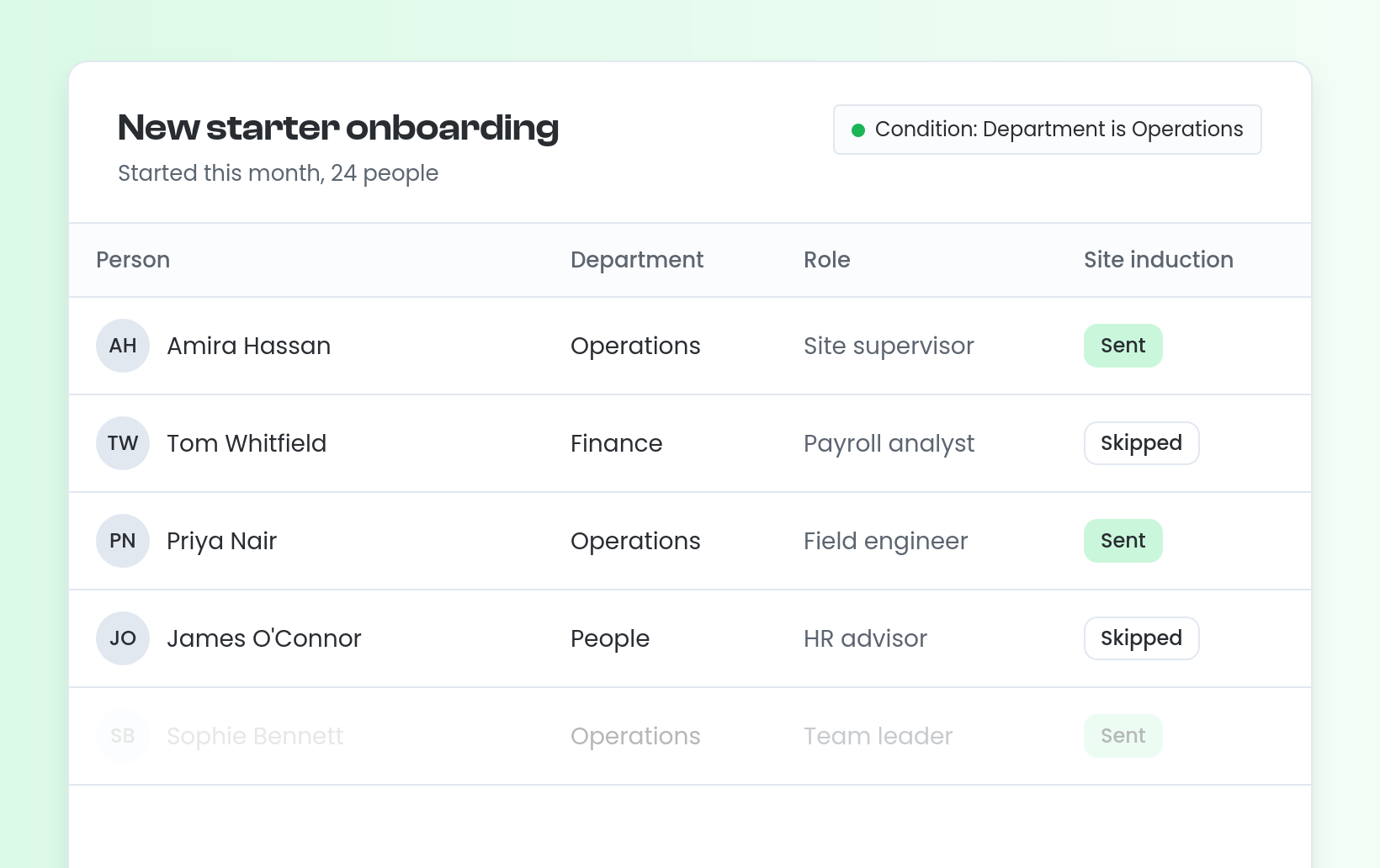
Your workflows can now take account of who they're about. Steps can be set to run only when details held about that person match, such as their department or role. A task or notification goes only to the people it applies to, and everyone else skips it automatically.
For example, an onboarding workflow can send the site induction task only to new starters in Operations.
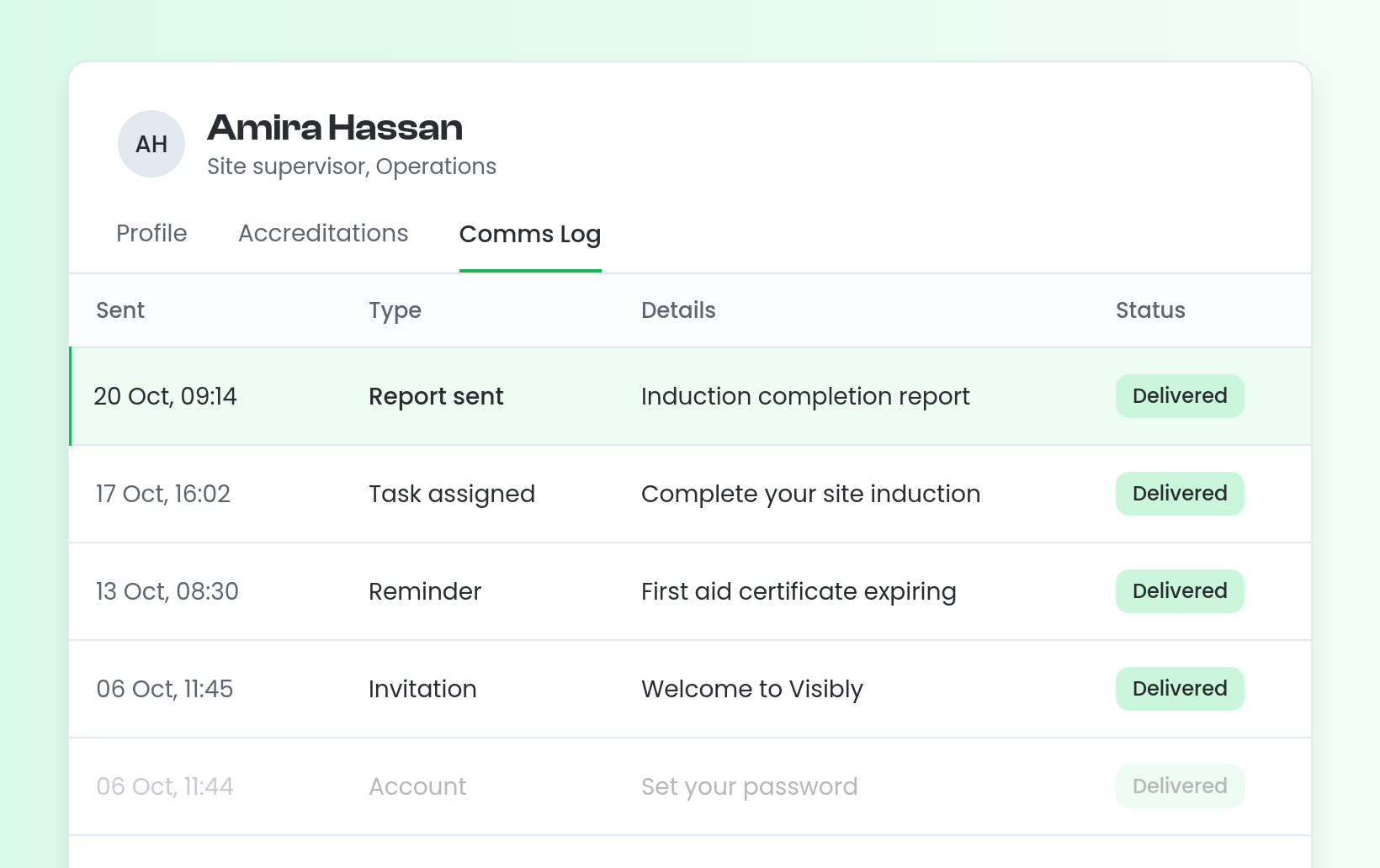
The details a workflow uses also appear in its Key Details, so anyone opening it can see the context at a glance.
This is available now through early access. Speak to your CS Lead to get it set up.


Stevie is the Customer Advocate here at Visibly with a knack for transforming even the most tangled training matrix into clean, actionable data in the platform. With years of industry expertise under her belt, when she’s not guiding teams through the product, she might be watching Wicked for the tenth time (and singing every word of that or Stormzy)!